Quick Start Guide | OpenMemory
Get started with OpenMemory in 5 minutes. Learn how to add local-first, long-term memory to your AI agents using JavaScript or Python. No backend required.
Quick Start Guide
OpenMemory is the fastest way to give your AI agent a persistent brain. It runs locally, requires no infrastructure, and integrates in minutes.
You can run OpenMemory in two modes:
- Standalone Mode (Recommended): Runs inside your app.
- Backend Mode: Runs as a server.
Option A: Standalone Mode (Recommended)
The easiest way to start. No Docker, no servers, just code.
JavaScript / TypeScript
-
Install
npm install openmemory-js -
Initialize & Use
import { OpenMemory } from "openmemory-js";

// Initialize (creates ./memory.sqlite by default)
const mem = new OpenMemory({
  path: "./memory.sqlite",
  tier: "fast",
  embeddings: { provider: "synthetic" } // Use 'openai' for production
});

// Add a memory
await mem.add("User prefers dark mode", { tags: ["preferences"] });

// Query
const result = await mem.query("What does the user like?");
console.log(result);
Python
-
Install
pip install openmemory-py -
Initialize & Use
from openmemory import OpenMemory

# Initialize
mem = OpenMemory(
    path="./memory.sqlite",
    tier="fast",
    embeddings={"provider": "synthetic"} # Use 'openai' for production
)

# Add
mem.add("User prefers dark mode", tags=["preferences"])

# Query
print(mem.query("What does the user like?"))
Option B: Backend Mode
Use this if you need a centralized memory server for multiple agents or a team dashboard.
1. Setup Server
git clone https://github.com/caviraoss/openmemory.git
cd backend
npm install
npm run dev
Server runs on http://localhost:8080
2. Connect via SDK
JavaScript
import { OpenMemoryClient } from "openmemory-js/client";
const client = new OpenMemoryClient("http://localhost:8080");
await client.add("Hello world");
Python
from openmemory.client import OpenMemoryClient
client = OpenMemoryClient("http://localhost:8080")
client.add("Hello world")
Next Steps
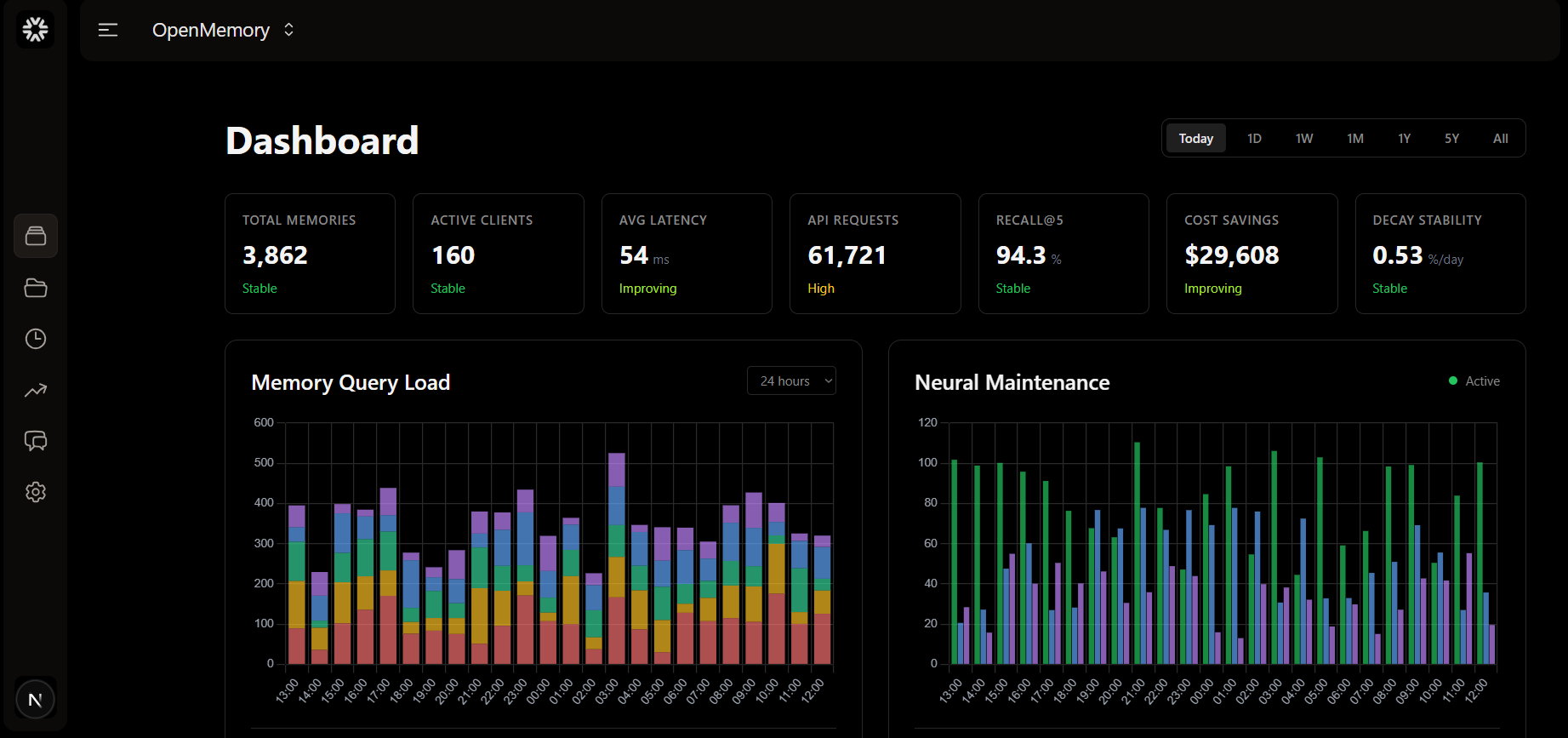
- Explore the Dashboard: Visualize your agent's memory.
- Read the Concepts: Understand how the brain works.
- View Examples: See real-world code snippets.